Add Rewardful to your website
The final step is to add Rewardful to your website so that we can track visits, leads, and conversions.
These instructions have been prepared for The Copy Haus .
Instructions for ManyRequests
Choose a different setup method
Step 1: Add Rewardful to your website
To activate Rewardful in your portal, first you need to add tracking to your marketing website.
Copy the script below and paste it into the
<head> on each page of your site (and app, if applicable). This should be on all pages leading up to the ManyRequests checkout.
<script>(function(w,r){w._rwq=r;w[r]=w[r]||function(){(w[r].q=w[r].q||[]).push(arguments)}})(window,'rewardful');</script>
<script async src="https://r.wdfl.co/rw.js" data-rewardful="f504d0"></script>
Note:
If you're using a platform that has an official integration with Rewardful, simply copy & paste your Rewardful API key:
f504d0.
Step 2: Enable the integration in the ManyRequests portal
Log in to the ManyRequests account, go to Integrations and choose Install Rewardful:
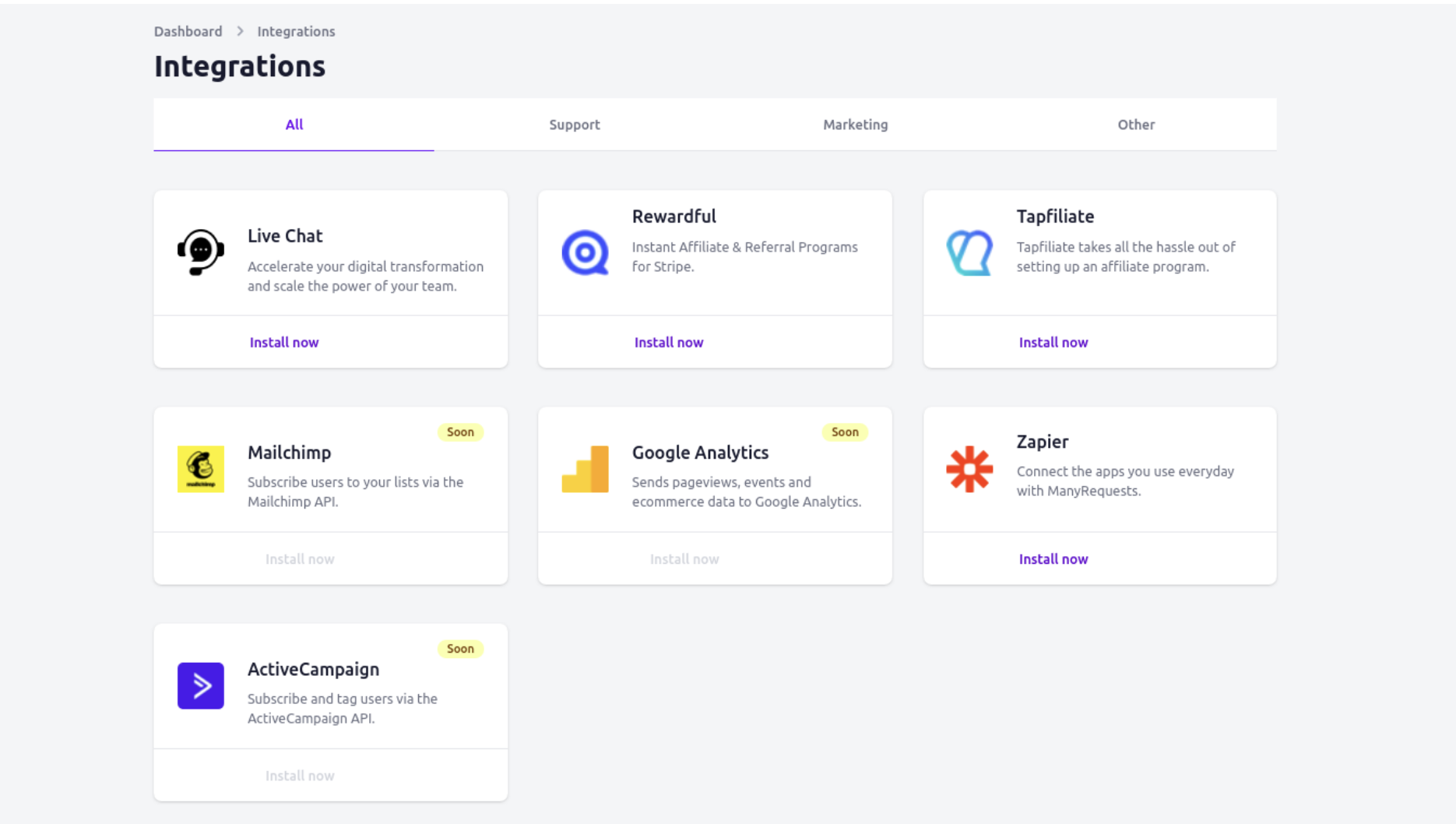
In the next steps, you will be asked to provide your API key, which you can copy below or later from your Company settings in Rewardful.
f504d0
Once provided and activated, your referral program will be aware of referral sales completed via your ManyRequests portal.