Add Rewardful to your website
The final step is to add Rewardful to your website so that we can track visits, leads, and conversions.
These instructions have been prepared for The Copy Haus .
Instructions for Typedream
Choose a different setup method
Step 1: Add Rewardful code into your site header
- Login to your Typedream account.
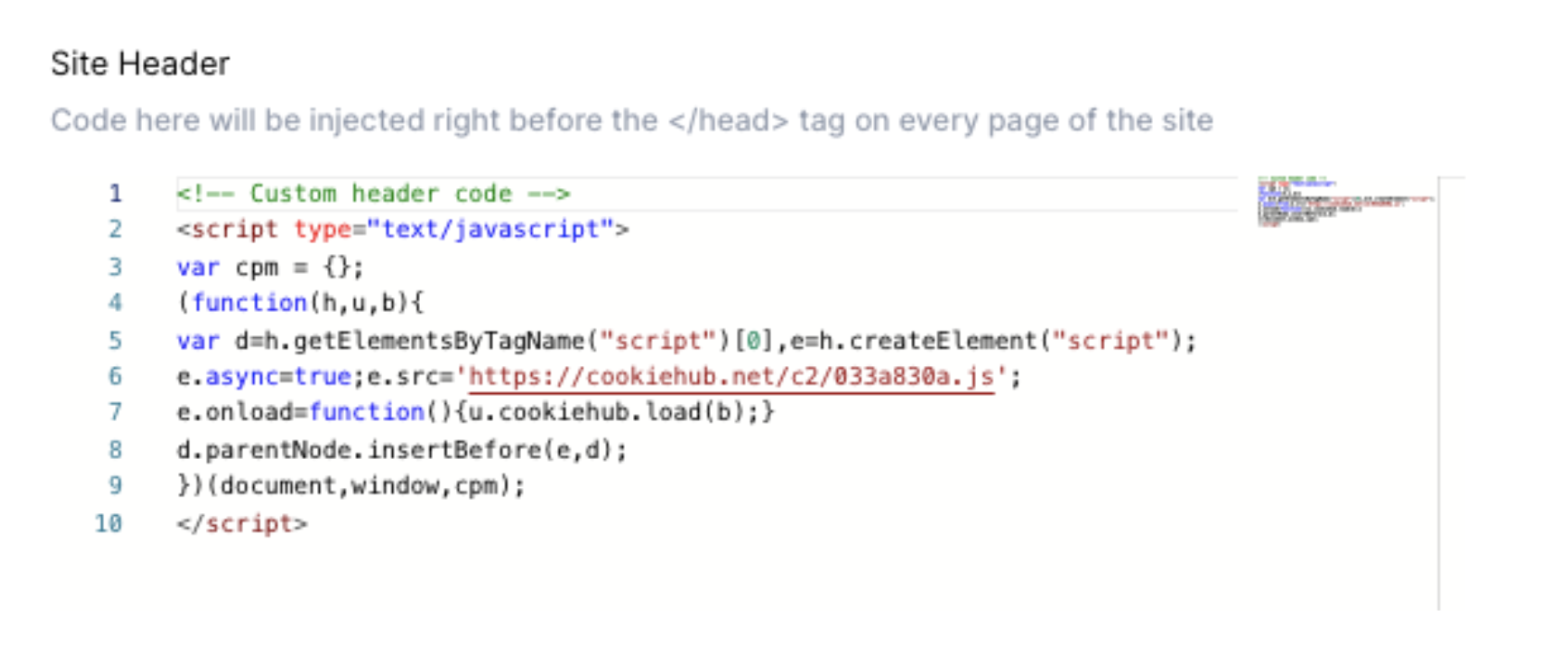
- On your Typedream site, navigate to Site Settings → Code Injection → Site Header.
- Copy the
<head>code snippet below and paste it between the<head>and</head>tags in the custom code injection area.
<script>(function(w,r){w._rwq=r;w[r]=w[r]||function(){(w[r].q=w[r].q||[]).push(arguments)}})(window,'rewardful');</script>
<script async src="https://r.wdfl.co/rw.js" data-rewardful="f504d0"></script>
Note:
If you're using a platform that has an official integration with Rewardful, simply copy & paste your Rewardful API key:
f504d0.
Step 2: Configure the thank you page
On your Thank You page (after creating the Stripe customer), type "/embed" → Code and paste the following:
<script>
  rewardful('ready', function() {
    rewardful('convert', { email: 'customer@example.com' });
  });
</script>⚠ Replace
customer@example.com with your customer's email address.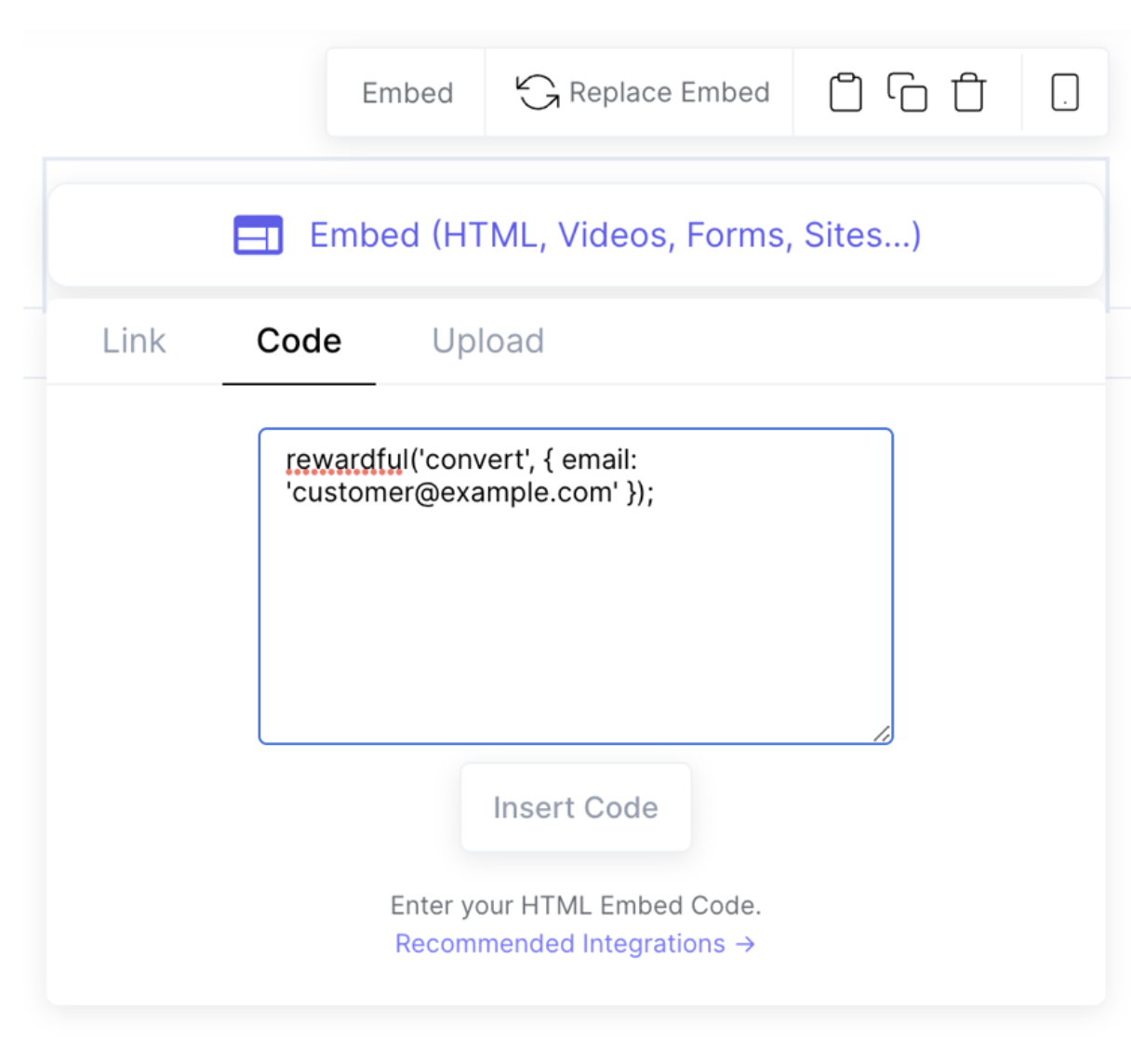
Step 3: Add production code to your site header
- In the Typedream dashboard, go to the "Overview & Integration" tab → General information.
- Copy the Production code.
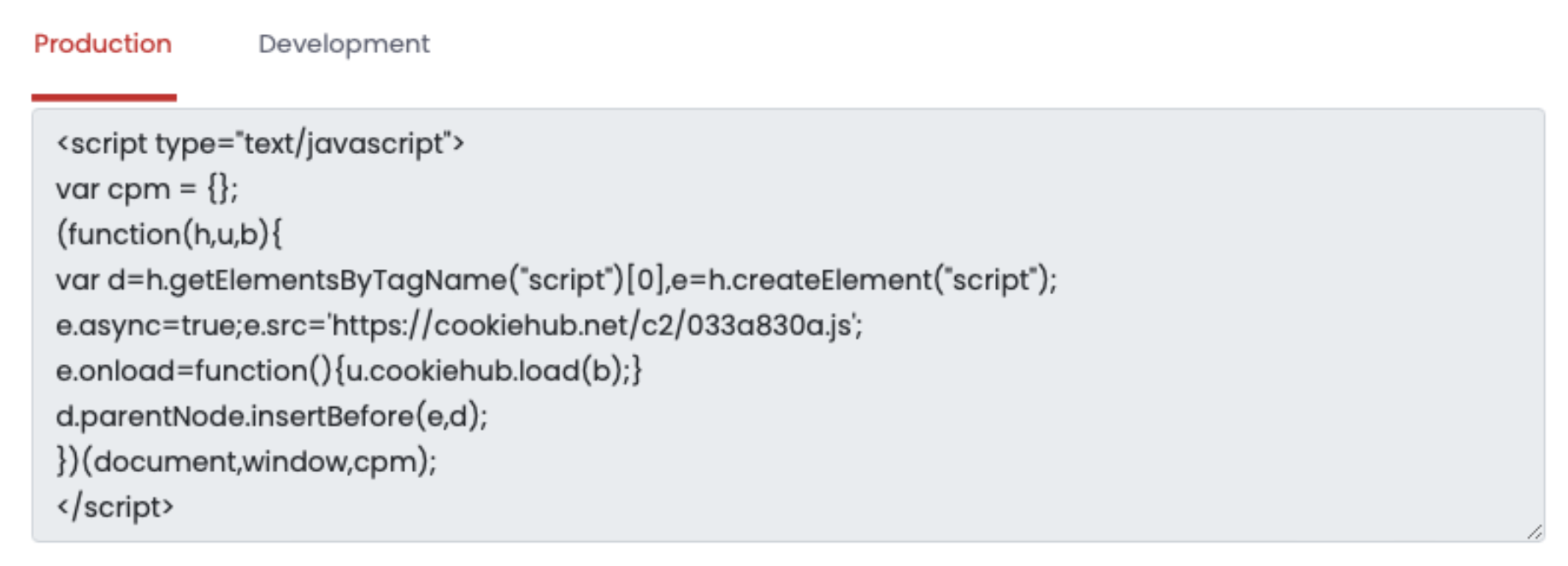
- Go to your Typedream site's settings, head to the custom code injection, and paste the code that you copied in the previous step between
<head></head>.
Learn more at the Typedream Docs
Set up affiliate and referral programs via Rewardful